Visual Studio Code and MicroPython
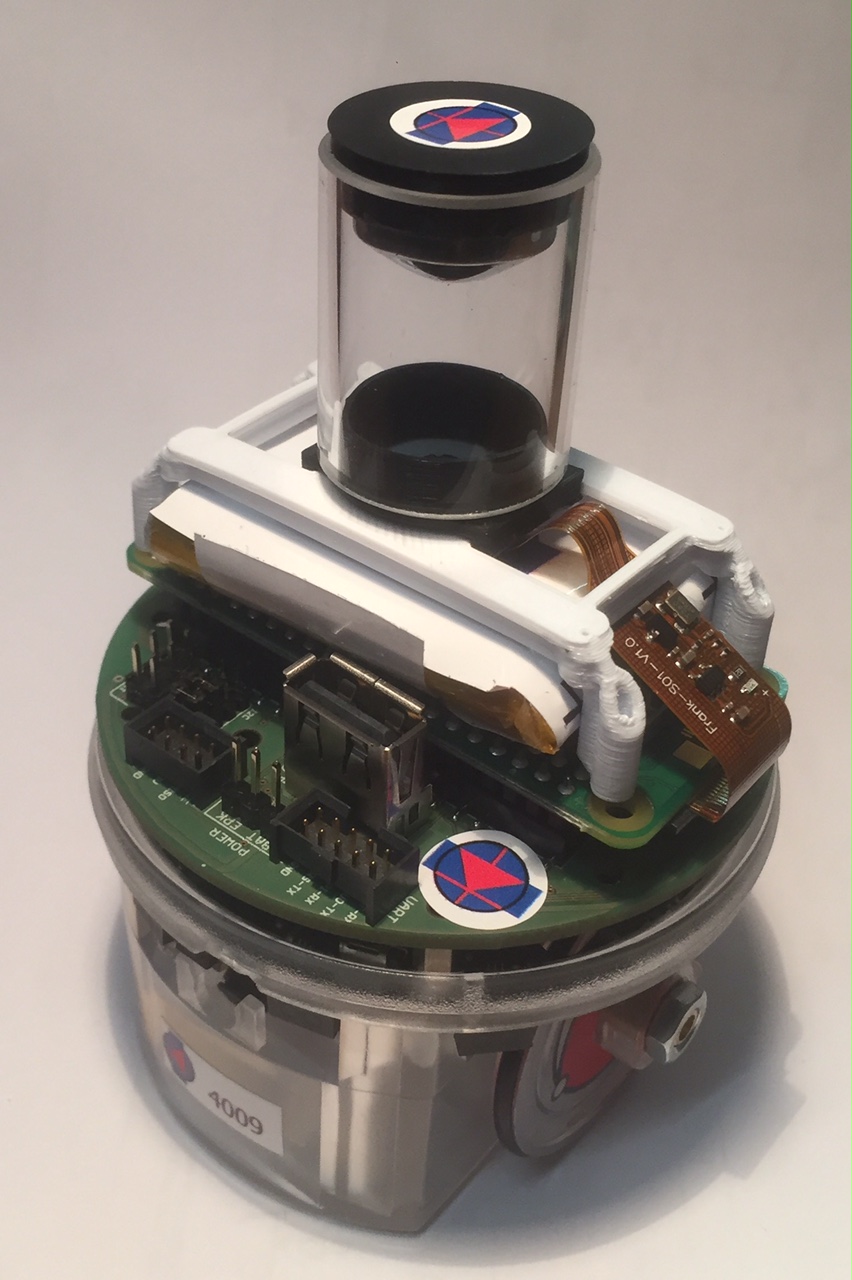
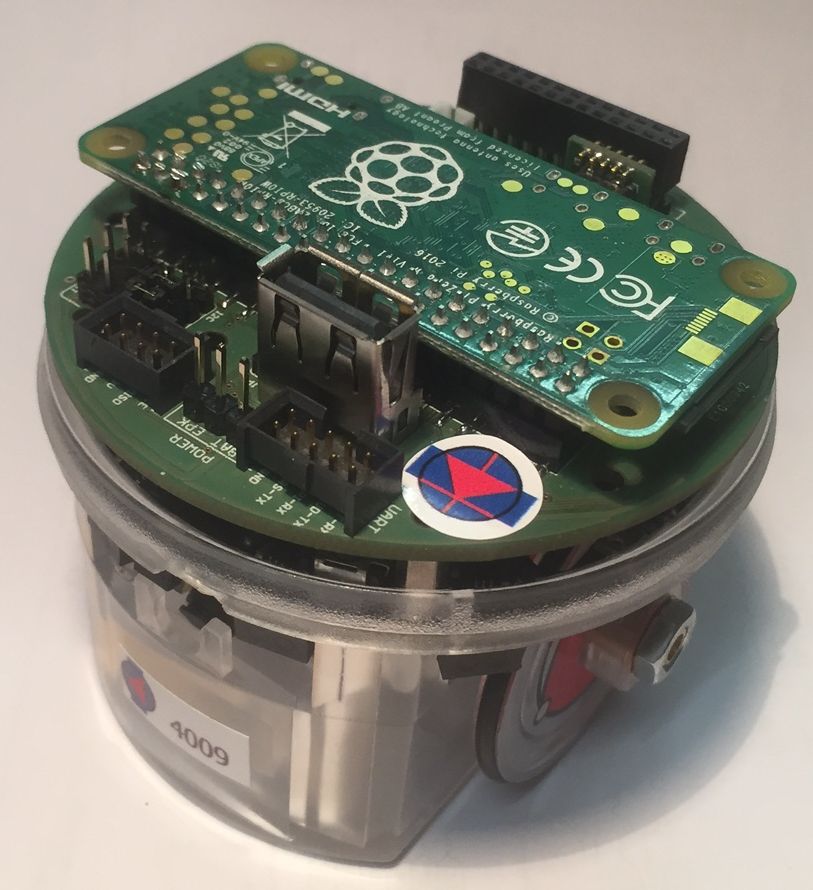
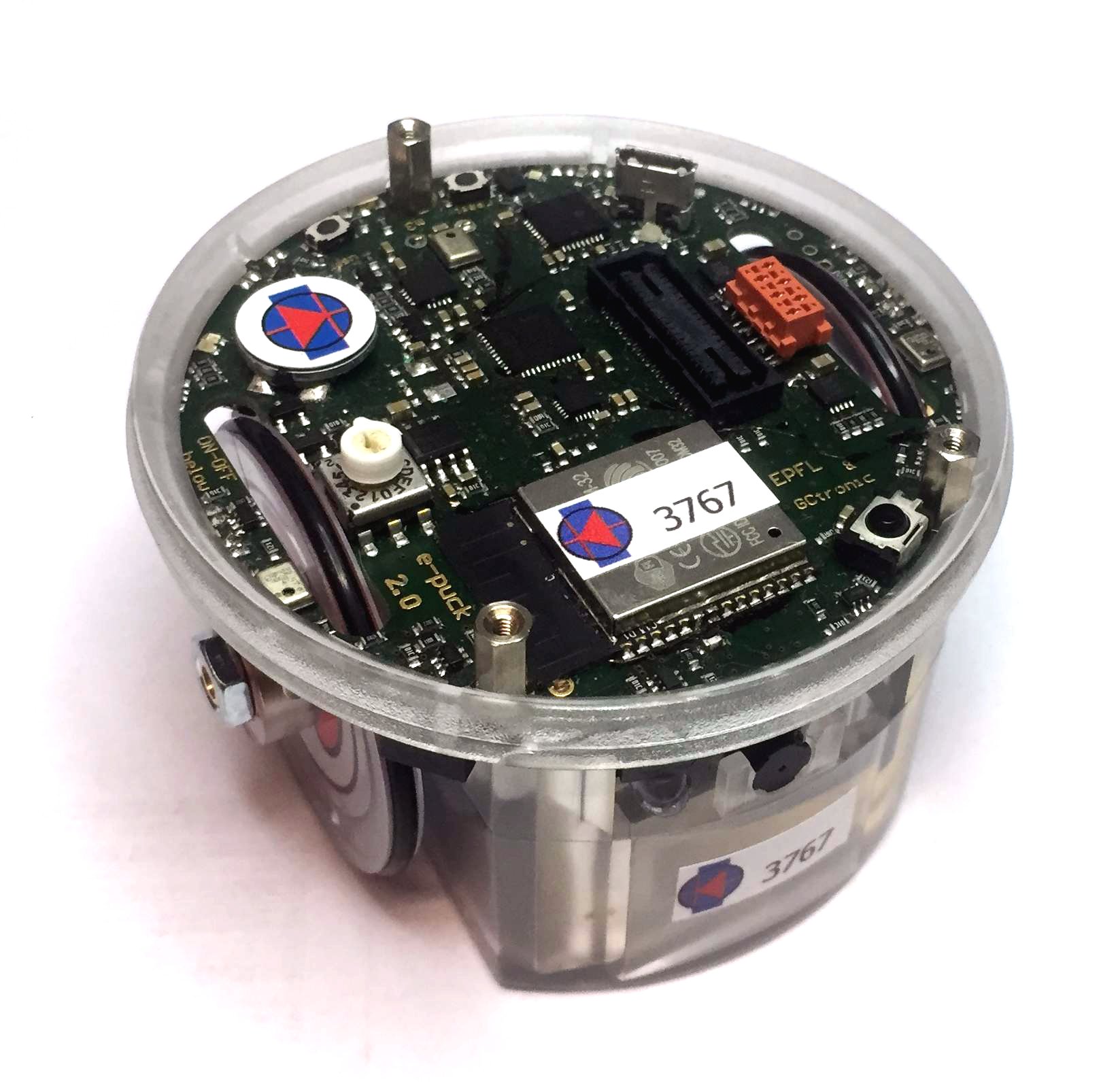
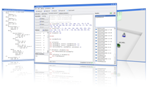
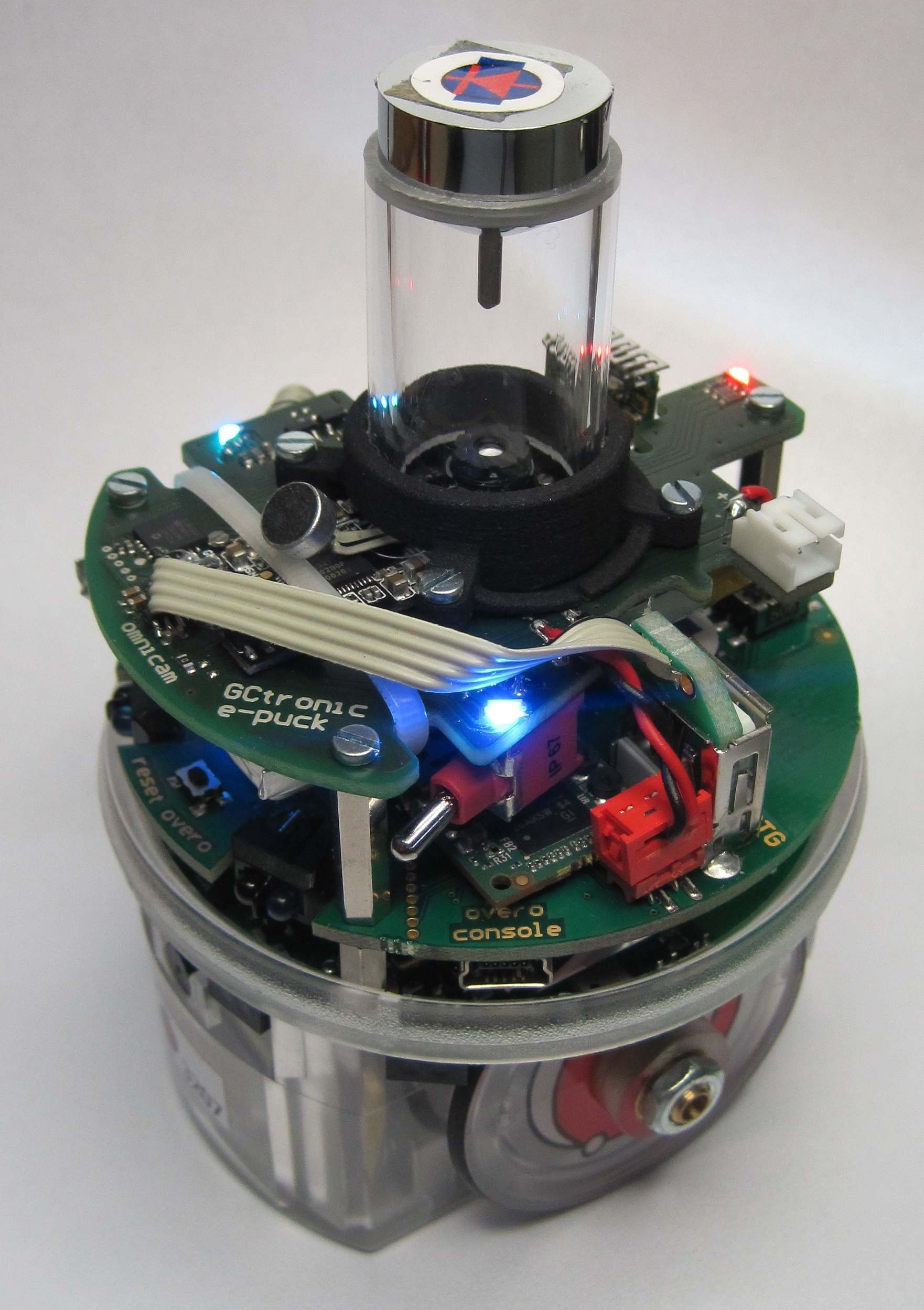
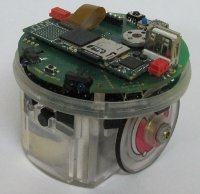
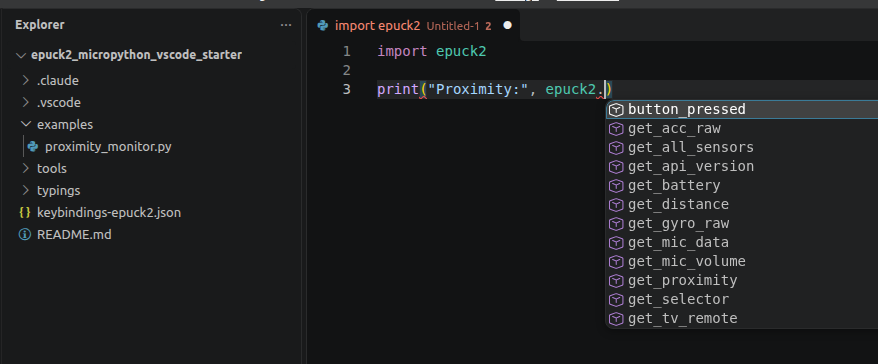
Programming the e-puck2 in MicroPython is now even easier: a new guide shows how to set up a complete development environment in Visual Studio Code, with autocompletion of the e-puck2 functions and one-click commands to run scripts on the robot.
The guide also explains how to add an AI coding assistant together with the e-puck2 skill developed by GCtronic, so that the assistant knows the whole e-puck2 MicroPython API.
An example with a debugging exercise is included. For more information refer to the wiki.